Your Inner Cartoonist: How to Create a Caricature with ChatGPT for Free
Ever wanted a fun, exaggerated caricature of yourself but didn't want to hire an artist? Turns out, you can use AI to do it for free. Let's dive in.
Have you ever been walking through a tourist-heavy street fair and seen a caricature artist at work? There’s something so captivating about watching them take a person's most prominent features and lovingly exaggerate them into a cartoon portrait. It’s personal, it’s funny, and it’s a unique piece of art. For a long time, getting one meant sitting in that chair or commissioning an artist online. But what if I told you that you could get that same kind of personalized, whimsical art using tools you can access right now, for free?
Welcome to the wild and wonderful world of AI-generated art. It feels like every other day there’s a new way to use artificial intelligence to create something amazing, and caricatures are no exception. The best part? You don’t need to be a tech wizard or a digital artist to do it. By pairing the conversational genius of ChatGPT with a free AI image generator, you can become your own caricature artist. It’s a surprisingly fun and creative process that can result in a new profile picture, a hilarious gift for a friend, or just a good-hearted laugh at your own expense.
I went down this rabbit hole myself, and honestly, it’s addicting. The process is a fascinating blend of your own self-perception and the AI’s quirky interpretation. It’s not just about uploading a photo and pressing a button (though sometimes it can be that simple). It’s about learning to communicate your vision to a machine and seeing what it comes up with. So, if you’re ready to see yourself in a whole new, comically distorted light, let’s walk through how you can start creating your own caricatures today without spending a dime.
Understanding the Dream Team: ChatGPT + AI Image Generator
First things first, let's clear up a common point of confusion. ChatGPT, on its own, does not create images. It's a language model, a master of words, conversations, and ideas. Think of it as the "brains" of the operation. Its job is to help you brainstorm and write the perfect, detailed description—the "prompt"—that will tell an image generator exactly what to create. This is the most crucial step, and it’s where the magic really begins.
So, where do the pictures actually come from? That's the job of an AI image generator. There are many of them out there, and several fantastic ones are available for free. Tools like Bing Image Creator (which uses DALL-E 3), Midjourney (which has a free trial), and others take the text prompt you've crafted and translate it into a visual piece of art. This two-part process is what makes the results so customizable and, often, so impressive. You're not just picking a filter; you're co-creating a piece of art with an AI.
Think of it like this: ChatGPT is your art director. You tell it, "I want a caricature of my friend who has a huge, bushy beard and always wears a beanie." ChatGPT then takes that idea and fleshes it out into a rich, descriptive prompt for the artist. It might write something like, "Create a humorous caricature of a man with an absurdly large, untamed brown beard that covers half his chest. He has a friendly smile, crinkly eyes, and is wearing a bright red, oversized beanie. The style should be a playful, colorful cartoon with exaggerated features, especially the beard." You then take that detailed instruction to the artist—the AI image generator—which brings it to life.
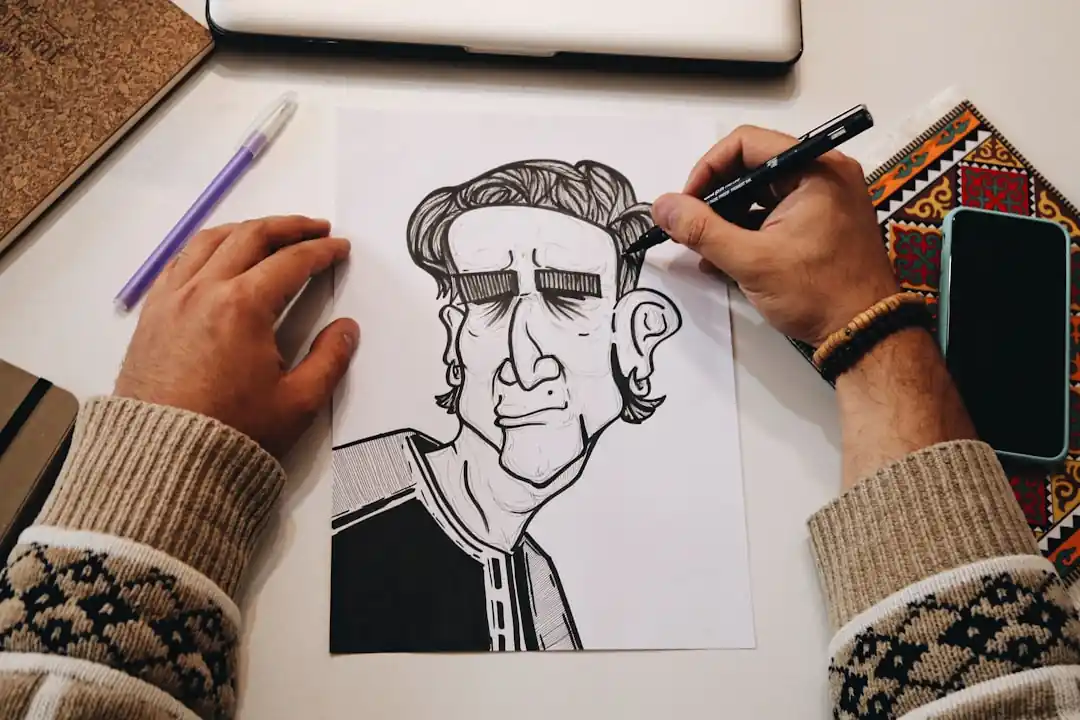
Crafting the Perfect Prompt: Your Guide to AI Art Direction
The quality of your caricature lives and dies by the quality of your prompt. A vague prompt will give you a generic, uninspired image. A detailed, descriptive prompt is what unlocks the AI’s true potential. This is where you get to be creative and specific. Don't be afraid to get a little poetic or overly descriptive. The more information the AI has, the better.
Start with the basics. Clearly state that you want a "caricature." Then, describe the person. Instead of just "a man with brown hair," try "a man in his 30s with messy, curly brown hair and a five-o'clock shadow." The key is to identify the most prominent and unique features. Does the person have big, expressive eyes? A strong jawline? A unique smile? Mention these and specify that they should be exaggerated. For example: "Exaggerate his large, round eyeglasses and his wide, toothy grin."
Next, think about the style. This is where you can really have fun. You can ask for a "classic boardwalk caricature style," a "modern Pixar animation style," a "vintage political cartoon style," or even a "Japanese chibi style." Each of these keywords will dramatically change the look and feel of the final image. Also, consider the background and context. Do you want a simple, colored background, or do you want the person in a specific setting that relates to their job or a hobby? A prompt like, "A caricature of a female programmer, frantically typing on a glowing keyboard with lines of code flying around her head," tells a much more interesting story.
Putting It All Together: A Step-by-Step Walkthrough
Ready to give it a shot? Let's walk through the process from start to finish. It’s simpler than you might think, and the results can be instant gratification at its finest. Once you do it once, you'll be looking for any excuse to turn your friends and family into cartoons.
First, open up ChatGPT (the free version works perfectly for this). Start a conversation by describing the person you want to turn into a caricature. You can even ask ChatGPT for help, saying something like, "Help me write a detailed prompt for an AI image generator to create a caricature of my dad. He's bald, has a big, bushy white mustache, and loves fishing." ChatGPT will likely give you a fantastic, detailed prompt to start with.
Second, take that prompt and head over to a free AI image generator. A great place to start is Microsoft's Bing Image Creator, which is powered by DALL-E 3 and is completely free to use. Paste your prompt into the text box, hit "Create," and wait for the magic to happen. The AI will typically generate a few different options for you to choose from. Don't be discouraged if the first batch isn't perfect. Sometimes it takes a few tries or some small tweaks to your prompt to get it just right.
Finally, once you have an image you love, you can save it directly to your device. If the AI almost got it right but one detail is off, go back to your prompt and adjust it. Maybe the mustache wasn't big enough, so you change "big, bushy mustache" to "enormous, comically oversized walrus mustache." This iterative process of refining your prompt is part of the fun. Keep experimenting with different styles and descriptions until you have a caricature that makes you smile.
It’s truly a blast to see how an AI interprets your words and transforms them into a unique piece of art. It’s a new form of creativity, one that’s accessible to everyone. So go ahead, give it a try. The worst that can happen is you get a good laugh, and the best that can happen is you get a new piece of personalized art that you created. Happy prompting
Don't Fear the Blank Canvas: Your Guide to the Best Free Graphic Design Software
The Unseen Edge: How Sports Science Fuels Peak Performance and Rapid Recovery

Related Posts
 MOBILE
The Great Console Debate: How to Choose the Right Gaming System for Your Family
Feeling stuck between a Switch, a PlayStation, and an Xbox? Let's break down which gaming console is the perfect fit for your family's game nights.
 MOBILE
From Fragile to Formidable: The Surprising Evolution of Foldable Phone Durability
Remember when the idea of folding a smartphone screen in half felt like a disaster waiting to happen? Let's talk about how far they've come, because the story is pretty incredible.
Popular Posts

Rethinking Non-Profit Promotion: Creative Strategies That Actually Drive Event Impact

Beyond Stark White: The Best Interior Paint Colors to Light Up Your New Space

How to Actually Master a New Language on Your Own (No Magic Gene Required)
