Stop just pointing and shooting. It's time to unlock the hidden power of your smartphone's camera with these advanced techniques.
Isn't it wild to think about how far smartphone cameras have come? I remember being thrilled with grainy, low-resolution photos from my first flip phone. Now, the device in my pocket has a camera system that rivals dedicated DSLRs from just a few years ago. We carry around these incredibly powerful tools, but honestly, most of us are only scratching the surface of what they can do. We've all mastered the point-and-shoot, but there's a whole world of professional-level photography waiting to be unlocked.
The conversation has shifted from "Can my phone take a decent picture?" to "How can I create art with my phone?" It’s a subtle but powerful change. The technology is there—the multiple lenses, the advanced sensors, the mind-bending software processing. The missing ingredient, more often than not, is just a little bit of know-how. It's about moving beyond the automatic settings and taking creative control back.
I've spent countless hours experimenting with my phone's camera, diving deep into its settings, and I've been blown away by the results. It’s not about having the latest, most expensive model; it’s about understanding the principles of photography and applying them to the tool you have. So, let's go beyond the basics of "clean your lens" and "find good light." It's time to explore the advanced tips that will fundamentally change the way you take photos with your smartphone.
Go Manual: Take Back Creative Control
The single biggest leap you can make in your smartphone photography is to move away from the fully automatic mode. Most modern smartphones, whether you're on an iPhone or an Android device, have a "Pro" or "Manual" mode hidden in the camera app. If your native app doesn't have one, third-party apps like Halide or ProCam X are fantastic alternatives. This is where the real magic begins.
At first, the array of options might seem intimidating—ISO, shutter speed, white balance, manual focus. But think of these as your creative levers. ISO controls the sensor's sensitivity to light. A low ISO (like 100) is great for bright, sunny days and produces the cleanest images, while a higher ISO is necessary for darker scenes but can introduce some grain or "noise." Shutter speed determines how long the sensor is exposed to light. A fast shutter speed freezes motion, perfect for capturing a bird in flight, while a slow shutter speed creates beautiful motion blur, ideal for waterfalls or light trails at night (you'll need a tripod for this!).
Learning to balance these settings is the heart of photography. Want that creamy, blurred background for a portrait? Use manual focus to ensure your subject is perfectly sharp. Is the automatic white balance making your photos look too blue or too yellow? Adjust it manually to capture the true colors of the scene. It’s a learning curve, for sure, but the moment you nail a shot by manually adjusting the settings, you'll feel an incredible sense of accomplishment that automatic mode can never provide.
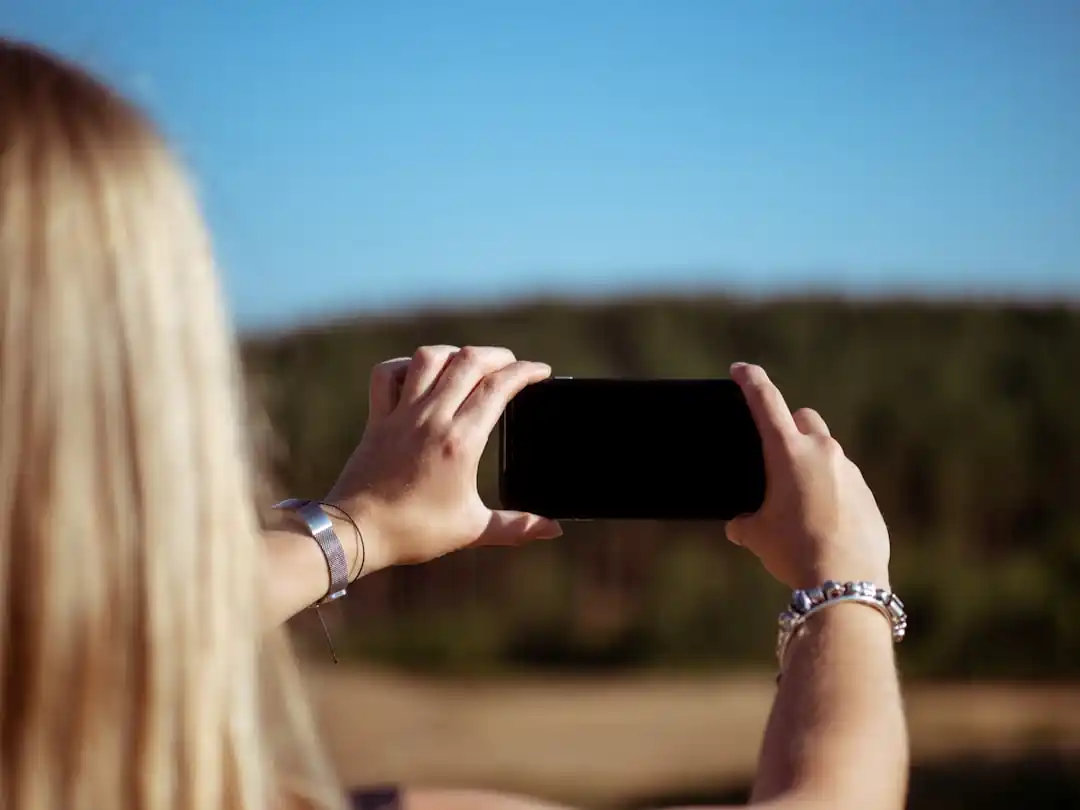
The Underrated Power of Shooting in RAW
If you take only one technical tip from this article, let it be this: shoot in RAW. You've probably seen this setting in your camera app and ignored it. By default, our phones shoot in JPEG format. A JPEG is a compressed file; the phone's software makes a bunch of decisions for you about color, contrast, and sharpening, and then discards a lot of the original sensor data to create a smaller file. It's convenient, but it's also limiting.
A RAW file, on the other hand, is like a digital negative. It's an uncompressed, unprocessed file that contains all the data captured by your camera's sensor. This gives you an incredible amount of flexibility in post-processing. Have you ever taken a photo where the sky is completely white and blown out, or the shadows are so dark you can't see any detail? With a RAW file, you can often recover those highlights and lift those shadows to reveal the hidden information.
The difference is night and day. Using an editing app like Adobe Lightroom Mobile or Snapseed, you can adjust exposure, tweak colors, and correct white balance with far more precision and without degrading the image quality. Yes, RAW files are much larger than JPEGs, so you'll need to be mindful of your phone's storage. But the creative control it gives you is a total game-changer. It's the closest you can get to having a professional editing suite in the palm of your hand.
Composition is Still King
All the technical skill in the world won't save a poorly composed photo. The principles that have guided artists for centuries are just as relevant to the small screen of your smartphone. We all know about the rule of thirds, but it's time to think more deeply about how you arrange the elements within your frame to tell a story.
Look for leading lines—roads, fences, rivers, or even shadows—that can guide the viewer's eye through the image and towards your subject. Use natural frames, like doorways, windows, or overhanging tree branches, to add depth and context to your shot. Don't be afraid to get low to the ground or find a higher vantage point; changing your perspective can dramatically alter the mood and impact of your photo.
Another powerful compositional tool is the concept of negative space. Sometimes, what you leave out of the frame is just as important as what you put in. A minimalist composition with a single subject and a lot of empty space can create a profound sense of scale, isolation, or peace. Pay attention to the background. Is it cluttered and distracting? Move a few feet to the left or right to find a cleaner backdrop that makes your subject pop. Composition is a language, and learning to speak it fluently will make your photos sing.
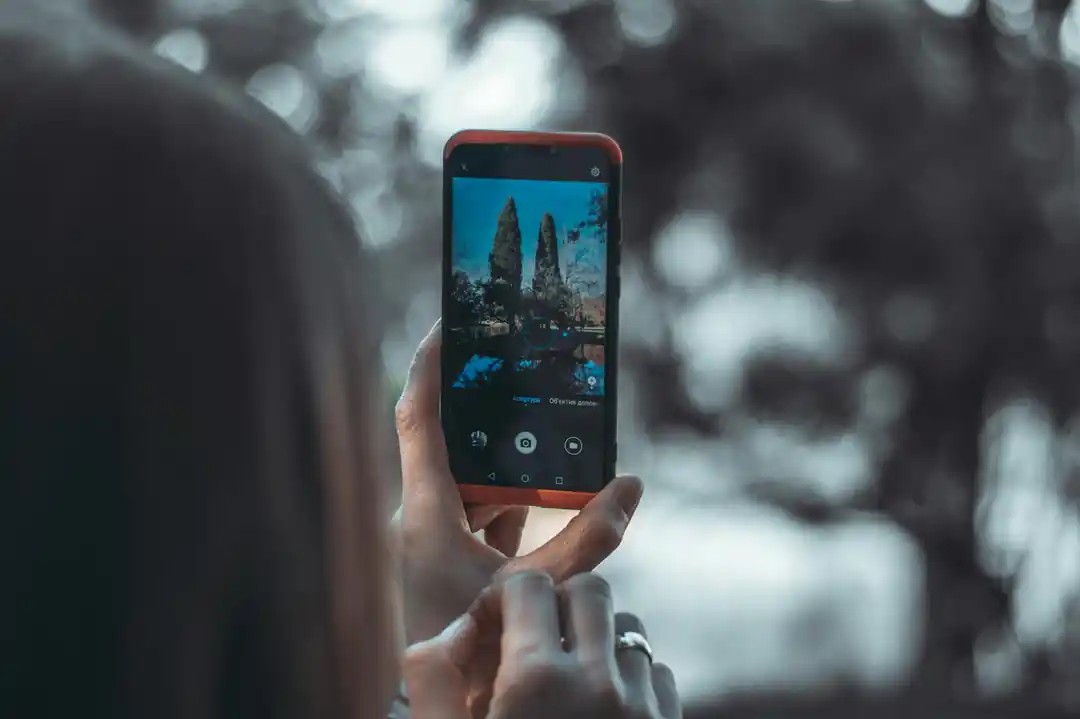
Embrace the Human Element
In an era of AI-powered editing and technical perfection, the photos that often resonate the most are the ones that feel undeniably human. Don't get so caught up in nailing the perfect settings that you miss the perfect moment. The slight motion blur on a child's hand as they run, the genuine, unposed laugh, the quiet, in-between moments—these are the things that breathe life into a photograph.
Let go of the need for every photo to be perfectly sharp and flawlessly lit. Sometimes, a little bit of grain can add texture and mood. A slightly soft focus can feel dreamy and nostalgic. The goal isn't just to document a scene with technical accuracy, but to convey a feeling. What did it feel like to be there in that moment? Was it chaotic, peaceful, joyful, or melancholic? Use your camera not just as a tool of capture, but as a tool of expression.
So, dive into your phone's settings, experiment with RAW files, and practice your composition. But never forget that the most powerful component of any photograph is you—your perspective, your emotion, and your story. The technology is just there to help you tell it. Now go out and create something beautiful.

Your First Digital Canvas: The Best Drawing Tablets for Beginners in 2026
The Creator's Dilemma: What's the Best Video Editor for Social Media?
Related Posts
 MOBILE
The Great Console Debate: How to Choose the Right Gaming System for Your Family
Feeling stuck between a Switch, a PlayStation, and an Xbox? Let's break down which gaming console is the perfect fit for your family's game nights.
 MOBILE
From Fragile to Formidable: The Surprising Evolution of Foldable Phone Durability
Remember when the idea of folding a smartphone screen in half felt like a disaster waiting to happen? Let's talk about how far they've come, because the story is pretty incredible.

Popular Posts

Rethinking Non-Profit Promotion: Creative Strategies That Actually Drive Event Impact

Beyond Stark White: The Best Interior Paint Colors to Light Up Your New Space

The Simple Pre-Workout Fueling Strategy That Saved My Long Runs